 Aspetto
Apple Watch Ultra
Built for wet hands
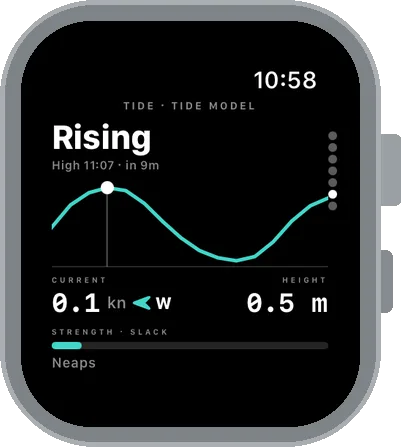
Water Lock turns the touch screen off, so everything in the water works with the Digital Crown and the Action button.
Start
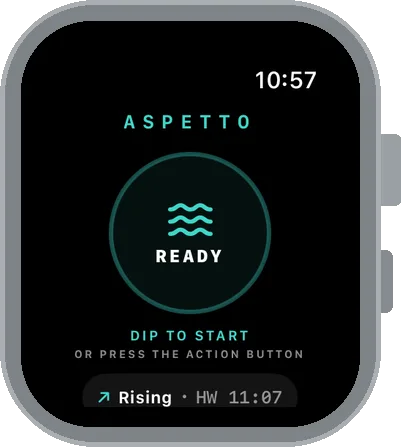
Dip to start
Start a session with the Action button, or set Aspetto to open when the watch goes underwater. It turns Water Lock on at the first dive.
Dive
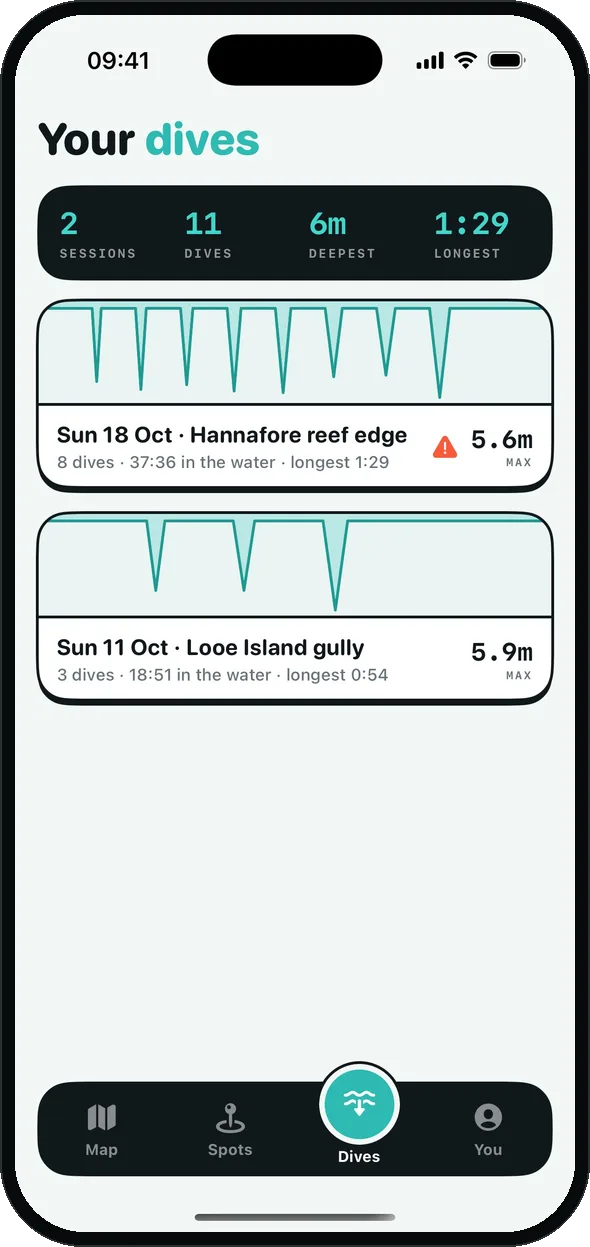
Every dive logged
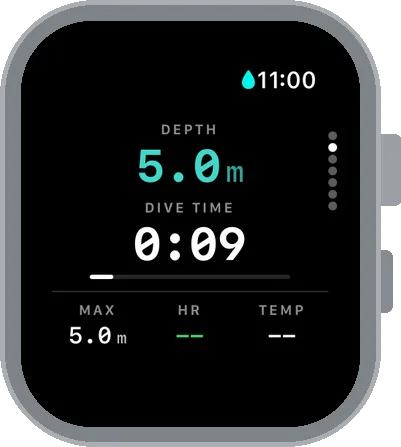
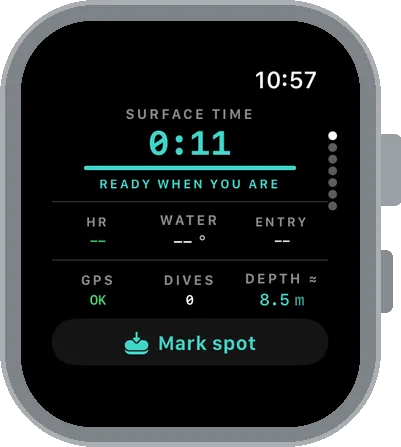
Depth, dive time, rest at the surface, water temperature and heart rate, with a target time and an advised rest.
Navigate
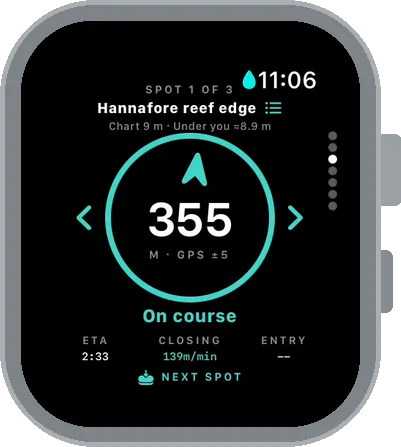
Back to your spot
An arrow, distance and ETA to each saved spot, with the depth under you. Press the Action button to go to the next one.
Mark
One press to save
Found something? Press the Action button and the spot's saved with its position and depth.
Safety
It checks on you. It can't save you.
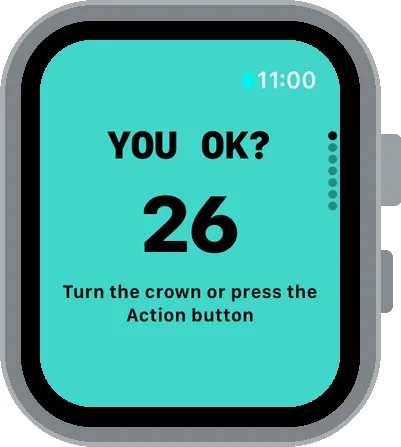
After every dive longer than 20 seconds the watch asks You OK? Turn the crown or press the Action button. If you don't answer, it sounds an alarm and counts down for 20 seconds, then goes to SOS: it saves your position and shows a call button.
If you've added emergency contacts, your watch checks in with our server during the session. If it goes quiet, or you send an SOS, your contacts get an email with your last position. Text messages are coming. In the beta, alerts go only to your own email, so you can test it safely.
Depth
Shallow water, by design
Aspetto reads depth with Apple's shallow-depth access, which works to 6 m. Below 6 m the watch's reading isn't valid, so Aspetto doesn't show it as a measured depth. Charted depths on the map can be deeper; those are always labelled as charted.
Needs an Apple Watch Ultra (any model) and an iPhone.